Instead of one accuracy percentage covering an entire plan set, ReadMyBlueprint labels every individual measurement with exactly how it was produced — so you know precisely where your two minutes of double-checking should go.

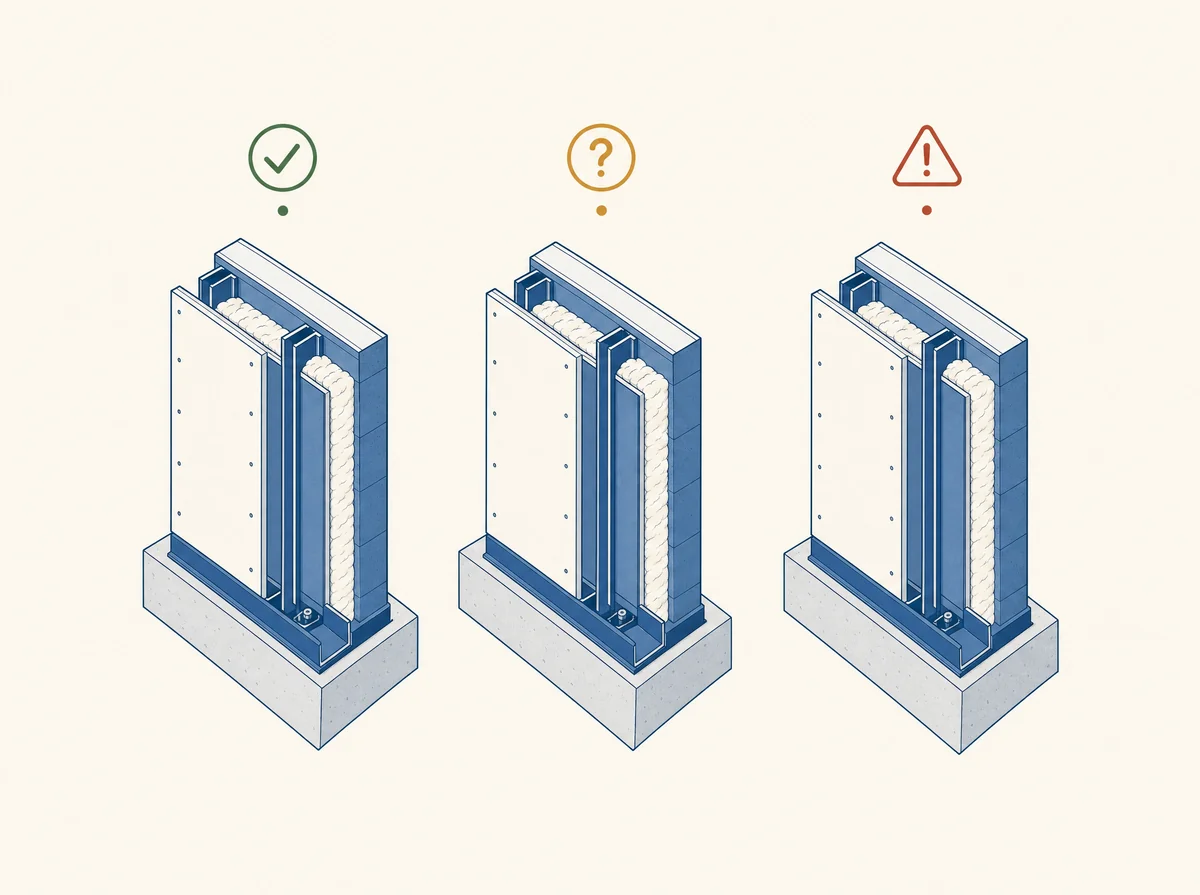
The wall's measured thickness lines up with a spec found directly on your own drawings — a wall-type legend, a callout, a schedule. The number is ready to use as-is.
More than one material or assembly could explain this wall's measured thickness. ReadMyBlueprint tells you exactly which candidates are possible, instead of silently picking one for you.
No matching spec was found anywhere in the document for this wall. The length and location are still exact — the material assignment just needs a quick human check.
A label isn't a one-time note buried in a report — it's attached to the row in your results dashboard and carried straight through to your CSV or Excel export.
Most takeoff tools put a single accuracy percentage on their homepage — 95%, 98%. That number is an average over some internal test set, and averages hide exactly the thing you need to know: which specific result in front of you right now is solid, and which one needs a second look.
A label on every row is a different kind of claim — one you can check yourself, on your own plan set, instead of one you have to take on faith. We don't publish a blended accuracy percentage either, for the same reason: there's no independent benchmark every takeoff tool runs, so those numbers aren't even comparable between vendors. What we can show you is exactly how each of your own numbers was produced.
Upload your plan set and see exactly which results are matched, and which need a second look. Your first one is free.
Get started