● Wall-type legend matching

How ReadMyBlueprint tells one wall assembly from another.

Two walls can look identical on screen and be completely different assemblies underneath. Figuring out which is which is the actual hard problem in automated takeoff — here's exactly how it's solved, without guessing.
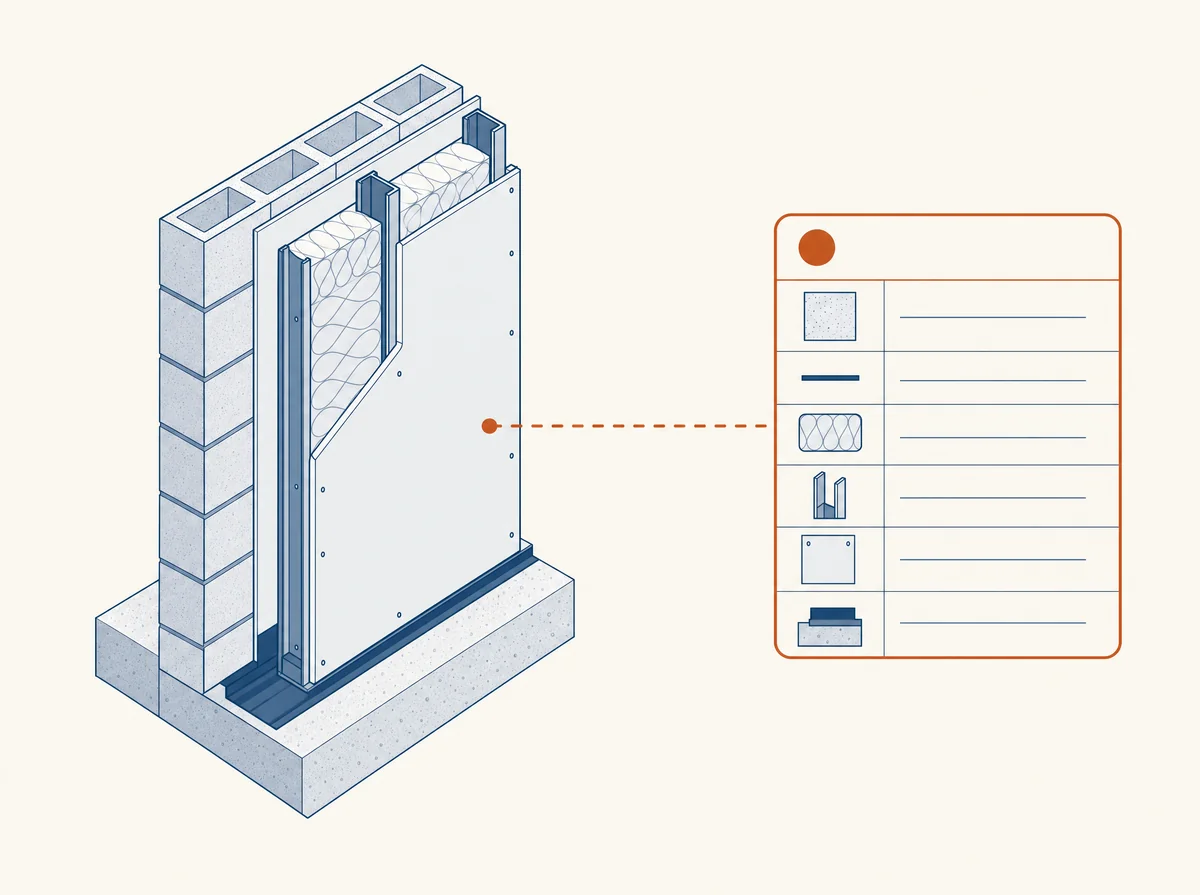
Isometric illustration of a layered wall cross-section connected by a line to a wall-type legend card
The three-part process

Measurement, then matching, then a decision.

1

Measure the real geometry

Every wall is measured directly from the vector data in your plan set — its length, and its drawn thickness — calibrated to the sheet's own printed scale. This part is a real measurement, not an estimate.

2

Cross-reference the legend

That measured thickness is checked against the wall-type legend your architect or engineer already drew on the plan set — the same table a human estimator would read by hand to know a "5.5-inch wall" means a 2x6 stud plus board on each side.

3

Decide: matched, ambiguous, or flagged

If exactly one legend entry fits the measured thickness, the wall is matched. If more than one could fit, it's ambiguous, and every candidate is shown. If nothing fits, it's flagged as needs confirmation — never silently assigned a best guess.

A concrete example

The same thickness, three different outcomes.

A 5.5-inch measured wall could be a lot of things — the outcome depends entirely on what your own drawing actually says about it.

5.5" wall, legend lists exactly one 2x6 wood-stud assembly at that thicknessMatched
5.5" wall, legend lists both a 2x6 wood-stud wall and a 6" steel-stud wall at that thicknessAmbiguous
5.5" wall, no legend entry at that thickness anywhere in the documentConfirm
Why not just guess the most common one

A plausible guess is still a guess.

It would be easy to build a version of this that just picks whichever assembly is statistically most common at a given thickness and moves on — that's effectively what "AI takeoff" tools that only look at pixels are doing under the hood. The result looks confident and is sometimes wrong in a way you can't detect until material shows up short on the job site.

ReadMyBlueprint only ever asserts a material when there's a real, checkable reason from your own document to back it up. When there isn't, the honest answer is to say so — see how confidence labels carry that distinction through to your results and export.

FAQ

Common questions about matching.

What counts as a "wall-type legend"?
Any table, schedule, or set of callouts on your plan set that defines what a given wall type or thickness is made of — this is standard practice on most architectural and structural drawings, not something you need to add.
What if my plan set doesn't have a legend at all?
Every wall gets measured exactly regardless, but without a legend to check against, results will mostly come back as "needs confirmation" rather than "matched" — the measurement is real, the material assignment isn't guessed.
Can two different-looking walls match to the same assembly?
Yes — if your legend defines one assembly used at multiple locations, every wall built to that spec matches it, regardless of where it sits on the plan.
Does this work on scanned plans?
No — matching depends on a real measured thickness, which requires real vector geometry. A scanned page has none to measure, so it's flagged rather than approximated from the image.

See how your own plan set matches.

Upload your plan set and see exactly which walls matched, and which need a second look. Your first one is free.

Get started

New guide: How to read a wall type legend on construction drawings, with a real example.