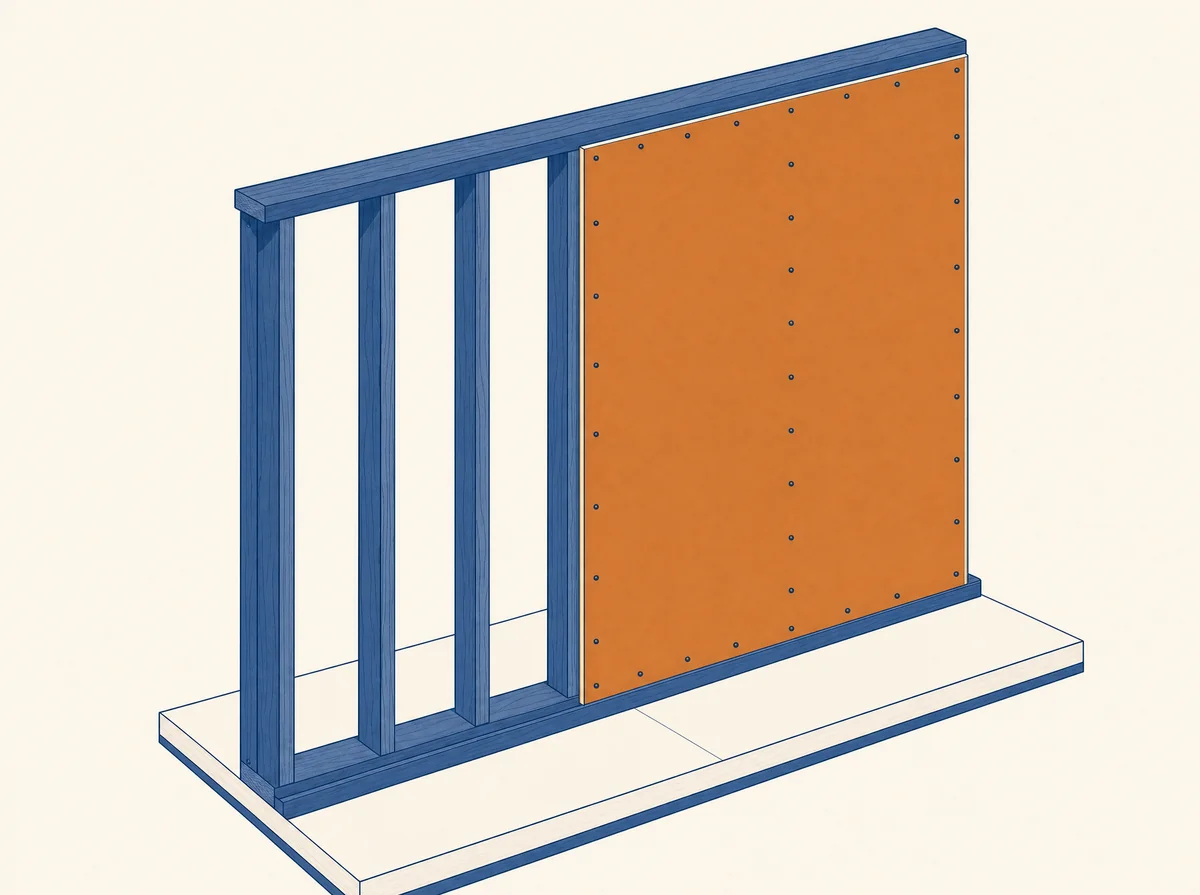
Board, studs, track and insulation LF/SF by wall type, with every count traced to the wall it came from. Your first plan set is free, no card needed.
Updated October 2026

ReadMyBlueprint reads your plan's own printed scale and measures every partition and exterior wall directly from the vector geometry in your PDF — not an estimate, an actual measurement of the drawing.
Each wall's measured thickness is cross-referenced against the wall-type legend your architect already drew — telling ReadMyBlueprint whether it's single or double-layer board, and what stud type sits behind it.
Wall length and height convert into a drywall sheet count for that wall type, shown next to the studs and track it goes with — labeled matched, ambiguous, or needs confirmation, never blended into one unlabeled number.
Sheet counts aren't a separate, disconnected line — they're grouped with the wall assembly they belong to, so you can see exactly which walls drove the number.
Part of never presenting a guess as a measurement is telling you plainly where the line sits.
Upload your plan set and get a real, labeled sheet count in minutes. Your first plan set is free.
Doing it by hand? Read the step-by-step guide: How to estimate drywall sheets from plans.
It measures each wall from the vector geometry in your plan set, matches the wall to its type on your wall-type legend, then converts wall area into a labeled sheet count for both sides of the wall. On our Freeport Square test set (21 pages), 68.9% of walls auto-matched and 99.8% resolved after one "Confirm all". That is one test set, so uncertain walls are flagged for you to confirm.
Waste factor, tape, mud, corner bead and fasteners are not counted, and neither are fire-rated or acoustic assemblies the legend does not call out. Scanned or flat-image PDFs have no vector geometry to measure, so those pages are flagged.
Yes. Your first plan set is free, no card needed.
Compare tools: ReadMyBlueprint vs. STACK & Bluebeam · Features · Take the tour